
Warning: Cannot modify header information - headers already sent in /home/u278635817/domains/myhousegarden.com/public_html/wp-content/plugins/artigosgpt/artigosgpt.php on line 28454
There’s a moment when you walk into a tiny apartment and realize smart living doesn’t have to mean luxury wiring or a $1,000 setup. That’s the core of Budget Smart: getting instant, noticeable upgrades—security, comfort, convenience—without blowing your rent budget. Read the next three paragraphs and you’ll have a prioritized shopping list under $150, plus hacks that stretch every dollar further.
The Three Devices That Change an Apartment Overnight
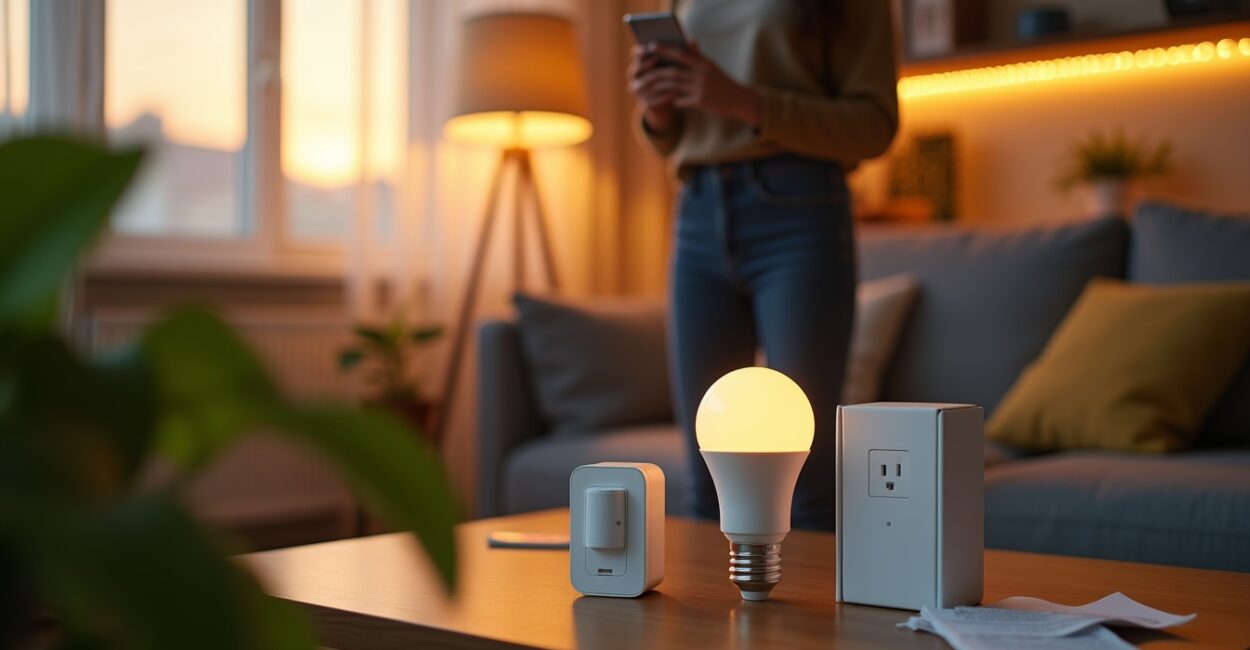
Spend $75 or less and get three visible improvements: a smart plug, a budget smart bulb, and a plug-in motion sensor. Together they automate lighting, fake presence when you’re away, and let you control outlets from your phone. Imagine leaving for work and having your living room lights dim at sunset—no hub, no electrician. These are the items that deliver the fastest “wow” factor for guests and for your own peace of mind.
How to Prioritize Purchases So $150 Goes Furthest
Start with problems, not gadgets. If you hate fumbling for lights, get a smart bulb or a smart plug for the lamp beside your bed. If you worry about packages, choose a motion sensor for the entryway. Priority: solve one recurring annoyance first. Sample allocation: $20 smart bulb, $20 smart plug, $25 motion sensor, $30 Wi‑Fi range booster (if needed), $30 contingency for cables or a cheap door sensor. That keeps you under $150 while solving real daily frictions.
The Shopping List Under $150 (links and Model Tips)
Here’s a practical list with price ranges and what to look for:
- Smart bulb (White, tunable): $12–$25 — pick one with local app control and no mandatory hub.
- Smart plug (energy reporting optional): $10–$25 — choose one rated for your devices.
- Plug-in motion sensor: $15–$30 — look for sensitivity and easy mounting.
- Cheap Wi‑Fi extender or mesh puck: $20–$35 — helps reliability for all devices.
- Door/window sensor (optional): $10–$20 — for basic security notifications.
Buying tip: brand matters less than firmware updates and good reviews; cross-check on retailer pages and manufacturer sites.
The Hacks That Make Cheap Devices Feel Expensive
Two inexpensive tactics multiply value: automation scenes and physical placement. Pair a smart plug and bulb so a single “Goodnight” scene turns off everything except a low lamp. Mount a motion sensor near a hallway to trigger multiple lights in sequence—no extra smart switches required. Expectation vs. reality: you expect a single device to do one job; in reality, with a scene it becomes the remote that controls ten behaviors.
Common Mistakes That Waste Money (and How to Avoid Them)
People buy gadgets like trophies. Avoid these errors:
- Buying a required hub for each brand — pick hubless devices or stick to one ecosystem.
- Overbuying: dozens of sensors won’t fix one bad Wi‑Fi spot.
- Ignoring power ratings — cheap plugs can’t handle heaters.
- Skipping firmware updates — security risks multiply otherwise.
Fix: plan coverage, check specs, and allocate a small portion of your $150 to connectivity (extender or better router placement).
A Mini-story: How One $45 Setup Stopped Nightly Fumbling
She lived in a 400‑sq‑ft apartment and kept tripping over a floor lamp. For $45 she bought a smart bulb and a motion sensor. When she opened the bedroom door at night, a soft light phased on; when she left for work, lights turned off automatically. No switches to hunt, no wasted electricity. In three days the small friction vanished and the apartment felt calmer and smarter—without any contractor or big monthly fees.
Safety, Privacy, and Two Authoritative References
Cheap doesn’t mean careless. Choose devices that support regular firmware updates and local control when possible. For privacy and safety guidance, check resources like FTC consumer advice on smart home security and research from NIST on IoT cybersecurity. Small choices—unique passwords, two‑factor auth, and network segmentation—protect your tiny smart home from easy exploits.
Final Provocation: What Will You Automate First?
Smart apartments aren’t trophies; they’re tiny conveniences that compound. Spend $150 to solve one real annoyance, and you’ll keep funding improvements that actually matter. Ask yourself: is your money going to visible convenience or to gadgets that sit in a drawer? Let that answer guide your first purchase.
Can I Build a Useful Setup for Under $150?
Yes. With prioritized buying—one smart bulb, one smart plug, and a motion sensor—you can cover lighting, basic automation, and presence simulation for well under $150. The trick is to focus on immediate frictions: the light you reach for every evening, the outlet you want remote control of, or the hallway you trip through in the dark. Allocate a small portion for network reliability (a cheap Wi‑Fi extender) and avoid gadget bloat; that ensures functionality and room to scale.
Which Device Gives the Fastest Return on Convenience?
A smart bulb often wins as the fastest win. It replaces an incandescent or LED bulb without rewiring, offers dimming and scheduling, and can be part of scenes that control multiple lights. Instant benefits include voice control, timers that mimic presence, and easier routines for sleep and wake. Because bulbs are inexpensive and plug-and-play, they deliver visible value immediately—guests notice, and your daily routine becomes smoother within hours of installation.
Do I Need a Hub or Paid Subscription?
Not necessarily. Many modern devices operate over Wi‑Fi or Bluetooth and use manufacturer apps without a hub. Hubs help when you want local control, faster automations, or to tie together Zigbee/Z‑Wave devices, but they add cost. Avoid subscriptions by choosing devices that perform core functions locally and don’t lock key features behind paywalls. Read product specs and reviews to confirm whether features like automations or remote access require ongoing fees.
How Do I Make Cheap Devices Secure on My Home Network?
Start with unique, strong passwords and enable two‑factor authentication when available. Put IoT devices on a guest or segregated network to limit access to your primary devices. Regularly update firmware and disable cloud features you don’t use. If you’re on a rental, ask about router placement to avoid signal dead zones, or budget for a small Wi‑Fi extender. These steps dramatically reduce common attack vectors without extra recurring cost.
What Should I Buy Next After the Initial $150 Setup?
After solving one core annoyance, expand logically: a door/window sensor for packages, a smart thermostat if you control HVAC, or a multi‑sensor that measures light, temperature, and motion. Prioritize devices that compound benefits—sensors that feed into scenes or automation hubs. Reinvest savings from energy-efficient behaviors (like scheduled lights) into more automation. Keep purchases modular so each addition solves a pain point rather than being a gadget for its own sake.