
How to Recycle Old Electronics Responsibly
How to recycle old electronics responsibly: identify item and condition, check local rules and fees, protect data, and choose the right retailer or municipal…
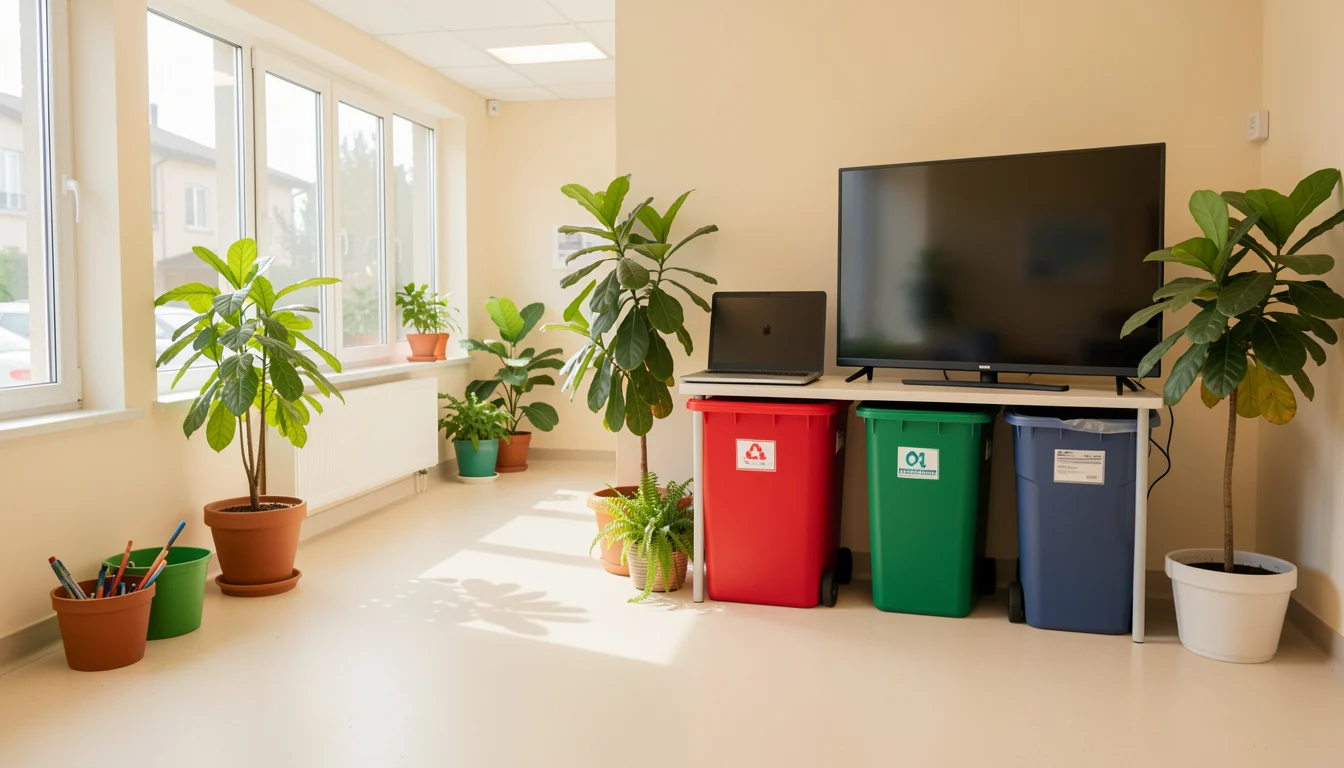 Electronics sorted for responsible recycling
A working phone, a dead laptop, and a bulky television each need a different recycling route. To recycle old electronics responsibly, identify the item and its condition, check local acceptance rules and fees, then use a suitable retailer, municipal program, or electronics recycler. Before handing over a device, protect any personal data it holds.
Electronics recycling means collecting and processing discarded devices through channels designed to recover materials or manage components safely. In everyday terms, it means keeping electronics out of household trash and finding a program that actually accepts your specific item.
The right option depends on what you have and where you live. A nearby store may take small devices but not a large TV; a municipal event may accept TVs but require registration or charge a fee.
Quick Facts
- Best first step: Identify the item, its size, and whether it has a rechargeable or removable battery.
- Local rules: Accepted items, fees, and event schedules vary by location.
- Data: Back up and erase devices that store personal information before recycling or donation.
- TVs: Check the exact model or screen type, pickup rules, and costs before transport.
- Batteries: Use a battery program’s instructions; damaged batteries may need special handling.
How to Recycle Old Electronics Responsibly
Choose a route based on the device and its condition: donate or resell working equipment, use a retailer program for eligible items, or contact your municipality or an electronics recycler for items those options do not take. Confirm acceptance and cost before you travel, then erase personal data and follow the program’s battery instructions.
That quick check avoids a common wasted trip: a drop-off site may accept computers but exclude monitors, or take small electronics while refusing televisions. The U.S. Environmental Protection Agency recommends donating or recycling electronics through appropriate programs and offers guidance on electronics donation and recycling.
- Working and reusable: Consider donation or resale, after removing accounts and personal data.
- Small device or accessory: Check retailer take-back rules and local collection points.
- TV, printer, or other bulky item: Start with municipal waste services, a scheduled collection event, or a specialist recycler.
- Loose or damaged battery: Keep it out of ordinary trash and consult a battery-specific program before transport.
Find E-Waste Recycling Near You
To find e-waste recycling near me, search your city or county’s official waste and recycling pages for “electronics,” “household hazardous waste,” and “collection event.” Municipal sites are often the best starting point for local rules, including whether a TV needs an appointment, whether a fee applies, and what proof of residency is required.
For a certified recycler, use a recognized certification directory and then contact the facility to confirm that it takes your item. Certification can help you evaluate a recycler’s practices, but it does not guarantee that every location accepts every device or offers free drop-off.
How to Find a Free Electronics Recycling Event Near Me This Weekend
Check your city or county event calendar, solid-waste department, and local public works announcements for this weekend’s events. Then confirm the date, registration requirements, accepted items, residency limits, and fees directly with the organizer; a listing that says “electronics” may still exclude TVs or charge for certain items.
When is the Next Electronics Recycling Event Near Me?
There is no single national schedule, so check your local government’s calendar or waste department for the next listed event. If no date appears, call the department or ask whether it maintains an email or text alert list.
For habits that extend the life of equipment before it becomes waste, see these ideas for choosing durable, eco-friendly goods.
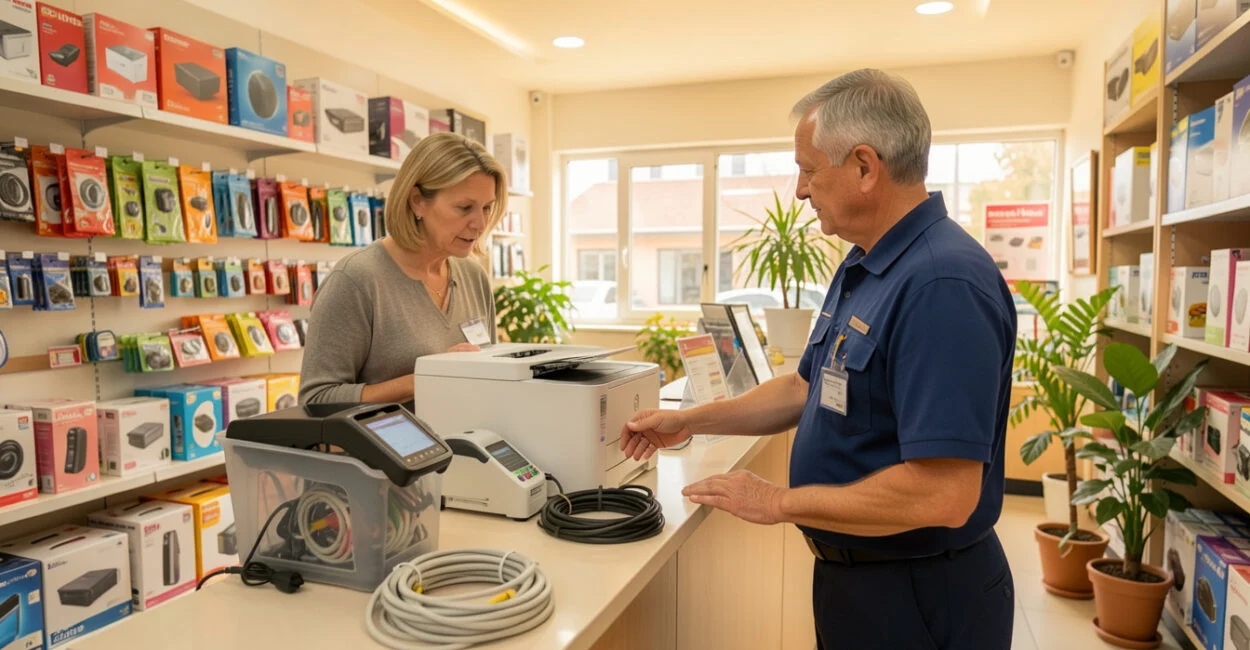
What Best Buy Accepts for Recycling—and What It Costs
Best Buy electronics recycling is a store-based option for certain products, but accepted items, limits, and charges depend on current program terms and location. Check Best Buy’s official recycling program page and contact the specific store before bringing in large or unusual equipment.
What Items Does Best Buy Accept for Recycling?
Best Buy lists categories of electronics and accessories accepted through its recycling program, subject to its current exclusions and limits. The item list and conditions can change, so use the official program page rather than assuming that an item accepted at one store will be accepted at another.
Expect limits on how many items a customer can bring in, and check whether the program covers your item type before loading it into a car. Large appliances and televisions may follow different rules from small electronics or require a separate service.
Does Best Buy Recycle Batteries?
Best Buy’s acceptance of batteries depends on battery type and current store-program terms; confirm what the location takes before dropping one off. For household batteries, Call2Recycle provides battery recycling guidance and locator information. Follow its instructions for your specific battery, especially if it is swollen, leaking, or damaged.
When EcoATM is a Good Option
ecoATM is designed for eligible phones and tablets, not general household e-waste. If you are searching for ecoATM near me, check the company’s locator for a nearby kiosk and verify whether it accepts your device; the kiosk may not take a particular model or condition.
It can be convenient for a device that matches the kiosk’s requirements, but it is not a route for TVs, printers, loose cables, or mixed electronics. If the kiosk declines a device, use a retailer or local collection program that confirms it accepts that item.
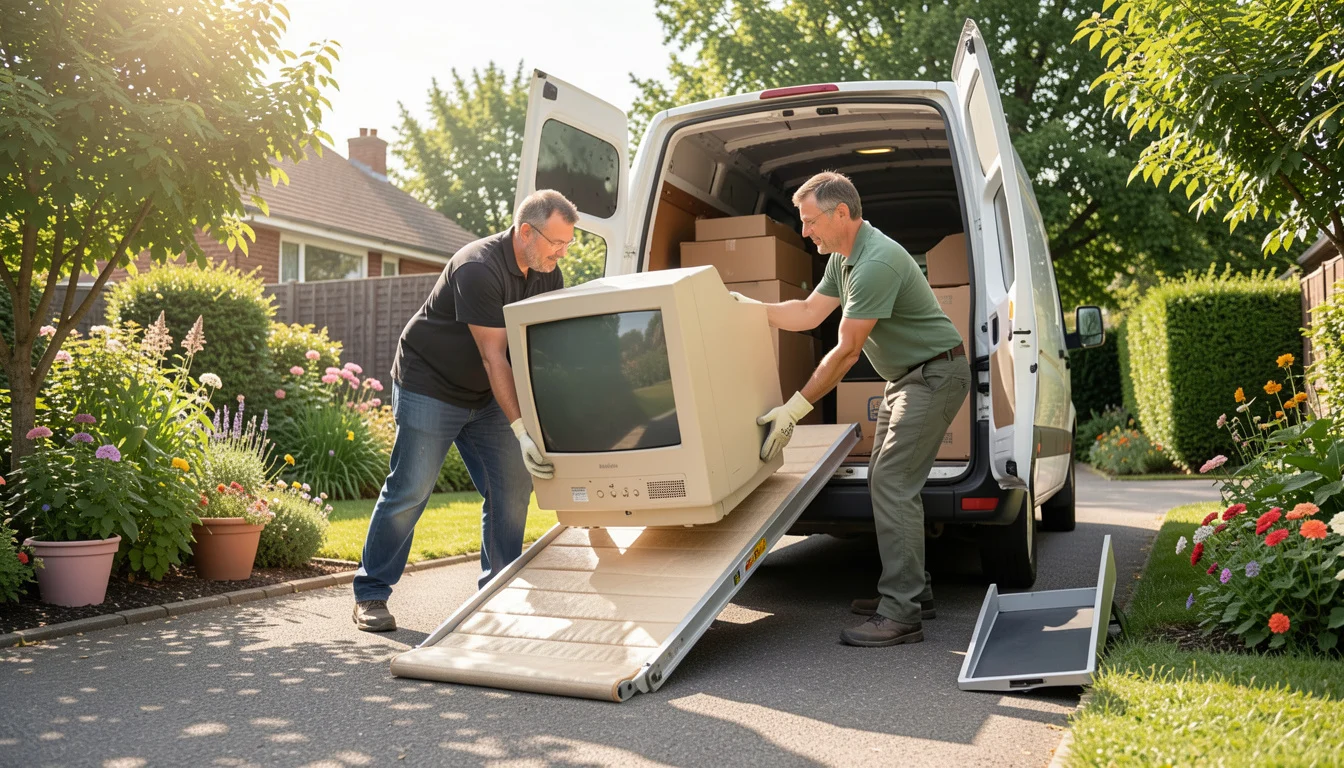
Where to Recycle or Dispose of a TV
For TV recycling near me, compare the retailer’s current take-back terms, municipal collection options, and specialist electronics recyclers. The question “where to dispose of TV for free” has a local answer: some programs take certain TVs at no charge, while others charge based on screen type, size, pickup, or handling.
Item Possible route Details to verify Small flat-screen TV Retailer take-back, municipal site, or electronics recycler Accepted screen types, item limits, fee, and drop-off hours Large or heavy TV Municipal bulky-waste service, scheduled event, or specialist pickup Whether curbside collection is offered, appointment rules, and pickup charge Older CRT television Municipal electronics program or specialist recycler Whether the site handles CRTs and whether a fee or special transport rule applies
To learn how to dispose of an old TV for free, ask the local waste department whether it has a no-fee event or drop-off option for that exact type of television. A general “electronics accepted” notice is not enough; the display technology and size can affect the rules.
Prepare Electronics Before Recycling
Back up data you want to keep, then use the device’s factory-reset or secure-erase process. Sign out of accounts, remove activation locks where applicable, and delete the device from account-management services; a reset alone may not release a phone or tablet from an owner’s account.
Remove memory cards, SIM cards, cases, and accessories unless the program asks you to leave a component attached. A practical snag is that a phone can look wiped but still be locked to an account, making it difficult for a refurbisher to reuse. If the device will not power on, ask the receiving program how it handles data-bearing equipment.
Battery handling varies by chemistry and condition. The EPA advises keeping electronics out of household trash, and Call2Recycle’s instructions can help identify an appropriate battery route. Do not puncture, crush, or place a damaged lithium-ion battery in a general collection bin; contact the local hazardous-waste program or battery recycler for directions.
What Not to Put in Household Trash or Recycling
Do not place electronics in curbside recycling unless your local program explicitly instructs you to do so. Curbside systems are designed for specified materials, and electronics can contain components that require separate handling; loose batteries also pose a fire risk if damaged or crushed during collection and processing.
For items a retailer refuses, ask the municipal waste office which facility or event accepts them. The rule can differ even within one county: a household hazardous-waste site may accept rechargeable batteries but not TVs, while a separate electronics event may take the television but exclude damaged batteries.
Before setting anything out for disposal, look up the exact item on your local government’s waste page and confirm the drop-off conditions with the receiving site. For broader ways to make purchases last longer, review these durable product selection tips.
📱 See this content as a Web Story
Frequently Asked Questions
Can I Leave My Electronics Outside a Recycling Center After Hours?
No. Unattended drop-offs may be treated as illegal dumping, and equipment left outdoors can be damaged or become a safety hazard. Use posted operating hours or ask the site about an approved after-hours collection point.
Should I Include Chargers and Cables with a Donated Device?
Include accessories that are needed to operate the device, unless the receiving organization says otherwise. Keep unrelated cables separate so the recipient or recycler can identify what belongs with the equipment.
Can a Recycler Accept Electronics That No Longer Turn On?
Many electronics recyclers handle nonworking devices, but acceptance varies by item and facility. Confirm before drop-off, particularly for devices with damaged batteries or equipment that contains a screen.
Can I Donate a Device If I Cannot Erase Its Data?
Do not donate it as a ready-to-use device until you know how its data will be handled. Contact the organization first; if the device cannot be securely erased, choose a program that can manage data-bearing equipment or use a qualified data-destruction service.
Do I Need to Remove a Battery Before Recycling a Device?
Only remove a battery if the device is designed for safe user removal and the receiving program asks you to do so. Built-in batteries should stay in place unless the program gives specific instructions, since forcing one out can damage or puncture it.