
How to Set Up a Backyard Movie Night for Comfortable Viewing
Plan a backyard movie night setup around the viewing area: assess light and layout, size the screen to the projector, and check sightlines, cables, and weather.
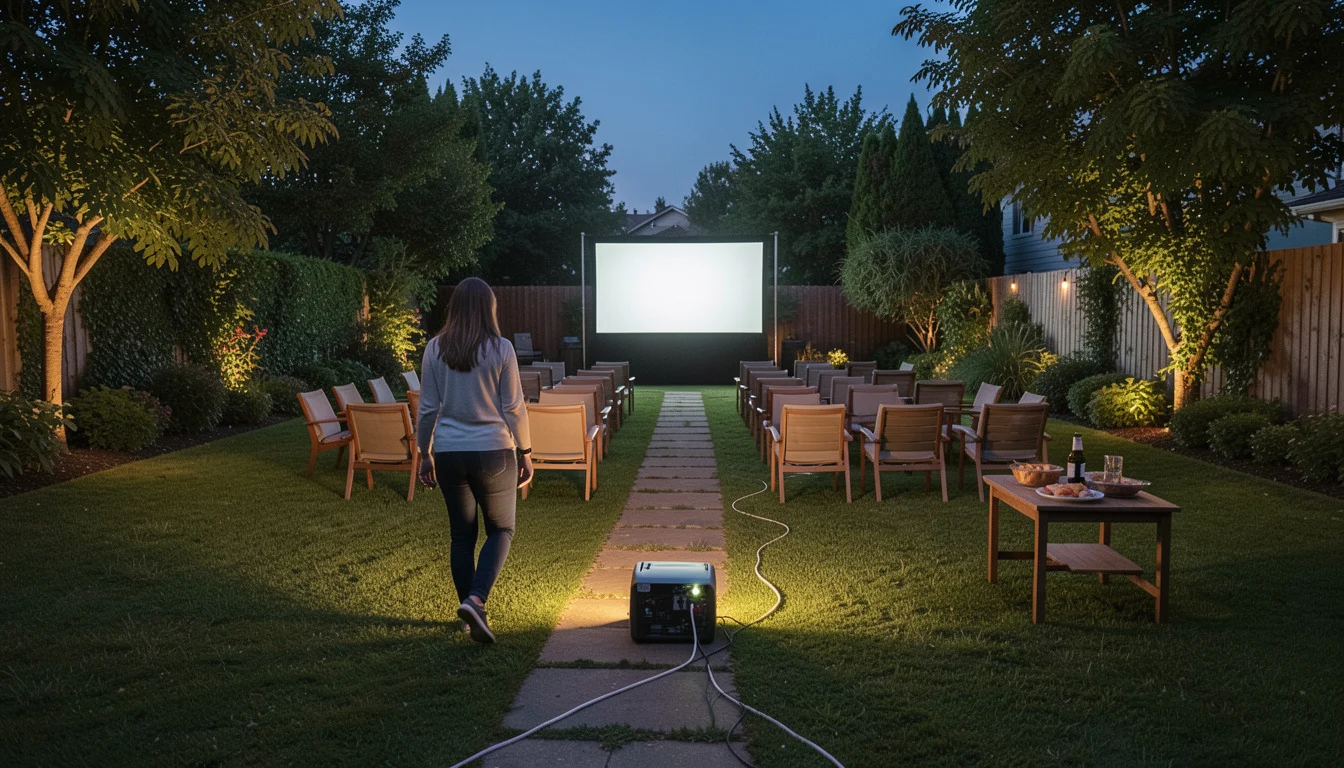 A final check before the screening
A projector can look crisp on a small screen after sunset and washed out on a much larger one in the same yard. A successful backyard movie night setup starts with the viewing area, then matches the screen and projector to that space. Place seating for clear sightlines, keep paths safe, and test the picture, sound, and power before guests arrive.
Renting can simplify an event if you confirm what the package includes; using equipment you already own gives you more control but requires more setup checks. Either way, the yard’s light, layout, and weather will shape what works.
Quick Setup Facts
- Best starting point: Scout the yard at the planned showtime.
- Picture quality: Ambient light, screen size, and projector placement all affect visibility.
- Equipment fit: Follow the projector manual for throw distance and supported image size.
- Safety: Route cables away from walkways and protect electrical connections from moisture.
- Backup: Check the forecast and choose an indoor alternative before inviting guests.
Plan a Backyard Movie Night Setup Around the Viewing Area
Choose a level, reasonably dark spot with enough room for the screen, projector, seats, and a clear route between them. Scout it at the time the movie will start: note lingering daylight, porch or security lights, trees that could block the view, and noise from nearby roads or neighbors.
A darker location generally helps a projected image look clearer, but no projector should be assumed to work well in full daylight.
Check the ground and the space overhead, too. A sloped lawn can make chairs awkward and a screen harder to secure, while low branches may interfere with a stand or inflatable frame.
If the forecast or layout makes the yard a poor choice, plan to move indoors rather than trying to improvise after guests arrive.
Comfortable viewing begins with a clear, dark sightline from every seat, not with the biggest screen you can fit in the yard.
Choose a Screen and Projector That Work Together
A backyard movie screen is the surface that reflects the projected image; a projector’s throw distance is the space its manual specifies between the lens and screen for a given image size. These two choices have to fit the yard together. Before buying, borrowing, or renting, check the projector’s supported image size, placement, focus, and keystone correction (a digital adjustment that squares a tilted image). Those details vary by model.
Choose the usable viewing area based on the space and audience, not a universal screen-size rule. A large outdoor movie screen can suit a broad seating area, but it also needs room, stable support, and a projector that can fill it at the available distance. A plain wall or sheet can work as a fallback, though a sheet may ripple or show uneven texture, making the picture less consistent.
Option Best suited to Check before choosing Main limitation Existing projector and screen Hosts who already have compatible equipment Manual specifications, connections, and outdoor placement Image quality depends on the gear and yard conditions Borrowed equipment A one-time event with access to a suitable setup What accessories are included and how the owner expects it to be handled Compatibility or missing cables can complicate setup Rental package Hosts who want to investigate a more complete setup Included equipment, delivery, setup, pickup, and weather terms Packages and service areas differ by provider Plain wall or sheet A low-cost fallback when the surface suits the location Surface color, smoothness, and available mounting options Texture, wrinkles, or movement can affect the image
Brightness is affected by ambient light and the size of the projected image. There is no single brightness specification that guarantees a good picture in every yard; follow the equipment guidance and assess the actual light and screen combination. A common setup error is choosing a screen first, then discovering the projector cannot produce the desired image size from the only available location.
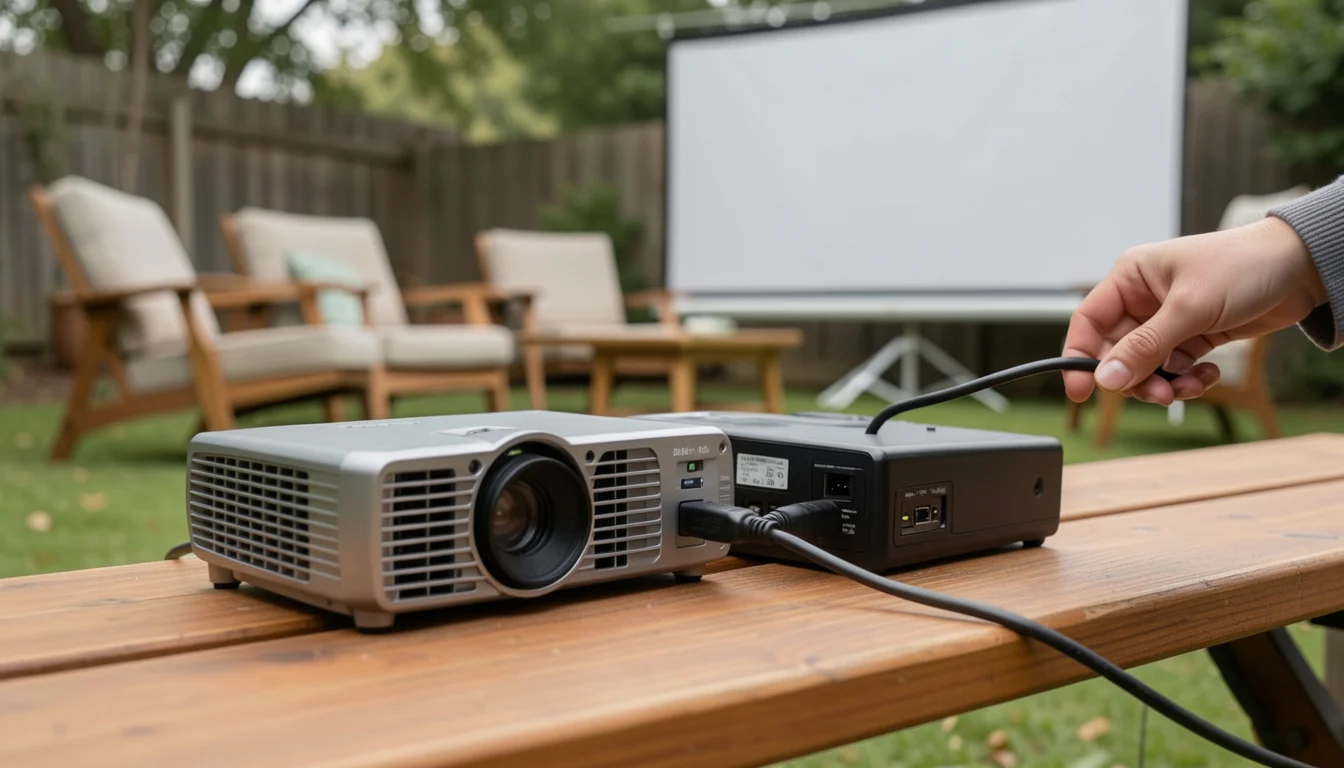
Decide Whether to Buy, Borrow, or Rent
Use existing gear when it is compatible and you are comfortable setting it up. Borrowing can fill a gap, but confirm that the projector, screen, playback device, and cables work together before event day. An outdoor movie screen and projector rental may reduce equipment guesswork, although the name of a package alone does not establish what it contains.
Searches such as “rental movie screen,” “backyard movie rental,” and “outdoor movie setup rental” can help identify providers to investigate. “Movie projector rental near me,” “backyard movie night rental near me,” and “drive-in movie screen rental” are also search phrases, not guarantees of local availability or suitability. Ask each provider directly about these details:
- Screen: What type and usable image area are included, and what support does it need?
- Projector: What connections and playback sources does it accept?
- Speakers: Are they included, and can you hear them from the seating area?
- Stand, blower, and accessories: Which pieces come with the screen, and who provides any required power or cables?
- Delivery and setup: Are they offered, and what must be ready at the site?
- Pickup: When does the equipment need to be returned or collected?
- Weather and cancellation terms: What options apply if conditions make outdoor use unsafe?
An inflatable movie screen with projector and speakers may be sold or rented as a bundle, but confirm each item, setup responsibility, and weather policy with the provider. For a one-off gathering, renting may be worth investigating if it supplies equipment you lack; for repeated use, compare the cost and storage needs of buying with the convenience of borrowing or renting.
Position the Screen, Projector, and Sound
Secure and face the screen first, following its manufacturer’s instructions. Place the projector at the distance and angle specified in its manual, connect the playback device and sound, then align and focus the image. Keep the beam clear of heads and avoid placing the projector where guests will walk through the light or trip over its cables.
Built-in projector audio may suit a small, quiet gathering, but it can be difficult to hear across a yard. Separate outdoor speakers can improve coverage; check the sound from the back and sides of the seating area before guests arrive. Keep the volume considerate and account for neighbors and any applicable local rules. For equipment intended to stay outside, review this guide to choosing weatherproof outdoor speakers for a patio.
A typical layout might place the screen against a dark fence, the projector behind the last row of chairs, and the speaker beside the screen. If a walkway crosses that line, shift the projector or reroute the path instead of leaving the beam or cable where people will cross it.
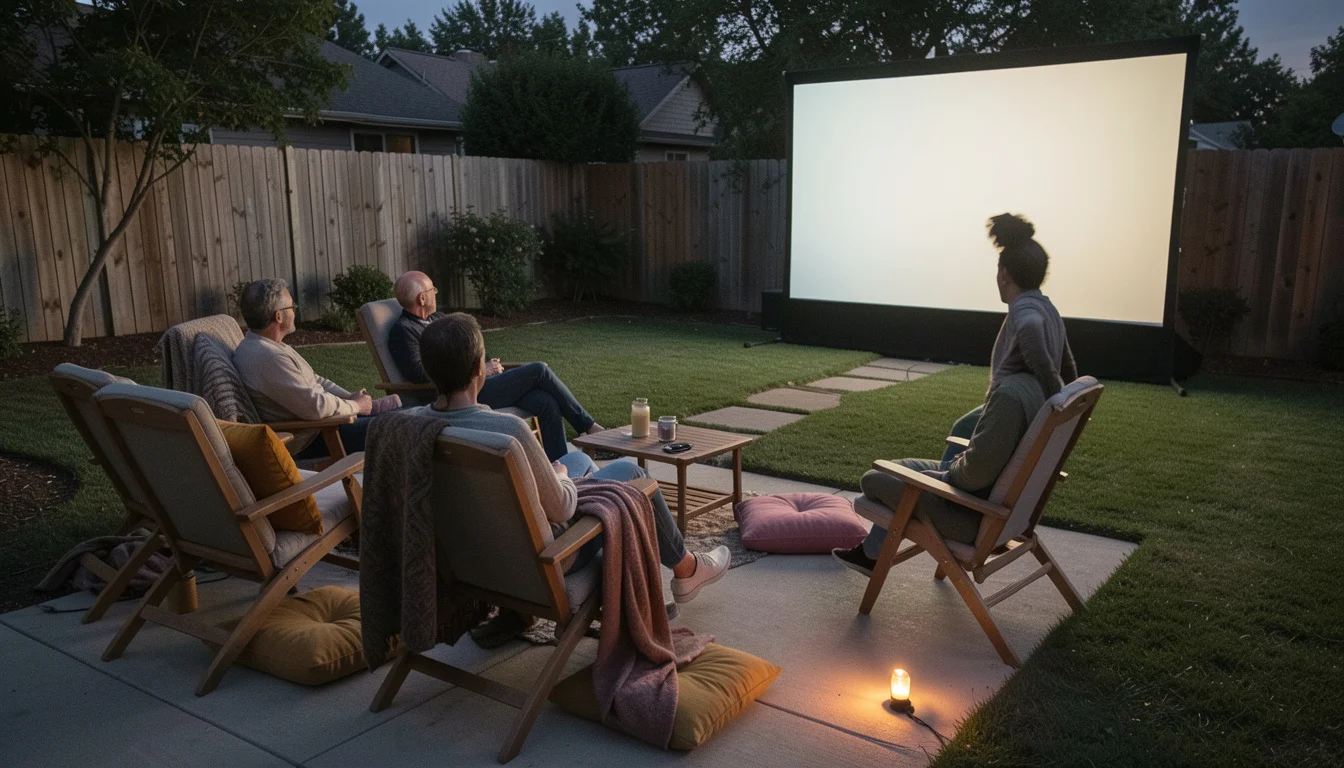
Arrange Seating and Lighting for Comfort
Set out chairs, blankets, or cushions so everyone can see the full image without one row blocking another. Test sightlines from the actual seats; trees, the screen frame, and even someone sitting in a low chair can change the view. Mix chairs with floor cushions to give guests different options, including people who find it difficult to sit on the ground.
Leave a clear route to the house and restroom. Use low, indirect lighting for paths and food areas, with fixtures kept away from the screen and projector’s line of sight. A light aimed at the screen can wash out the image, while a dark route makes trips over cables more likely. If the yard has patio furniture that needs rearranging, these tips for keeping outdoor furniture from blowing away may also help you plan around exposed spots.
Prepare Power, Weather, and a Pre-Show Test
Read the instructions for every device and use outdoor-rated cords and connections suited to the conditions. Keep electrical connections protected from moisture, route cords away from walkways, and secure outdoor equipment as its manufacturer directs. Stop using equipment if the conditions make operation unsafe. The U.S. Consumer Product Safety Commission’s electrical safety guidance is a useful reference for general precautions.
Check the forecast and decide in advance whether rain, wind, or another change will move the event indoors or cancel it. There is no single weather threshold that applies to every screen and projector; follow the manufacturers’ limits and the rental provider’s terms. Run through the setup before guests arrive:
- Screen is stable and unobstructed.
- Projector placement follows its manual, and the image is focused.
- Playback device and chosen content are ready.
- Sound is audible from the seating area.
- Cables avoid walkways and are protected as required.
- Path lighting works without washing out the image.
- Forecast and backup plan have been checked.
Finish with Snacks, Movie Choice, and a Simple Run of Show
Choose the film and playback method ahead of time. Check that the content will play on the selected device and that any streaming service has the connection it needs; a plan that depends on a weak yard Wi-Fi signal can fail right at showtime. The National Weather Service’s lightning safety guidance can help you make a weather-related call if storms threaten the event.
Keep backyard movie night ideas tied to the group and schedule: themed blankets, a short intermission, or a family double-feature if the timing suits everyone. For at home movie night snacks, choose easy-to-serve popcorn, drinks, and finger foods. Set food away from the projector, speakers, and cable runs.
A simple run of show keeps the evening relaxed: welcome guests and let them choose seats, complete a final equipment check, start once it is dark enough for a clear image, then leave time for cleanup. If guests arrive while it is still light, use that window to check connections and seating rather than starting the film against a bright sky.
Frequently Asked Questions
Do Streaming Services Always Work Outdoors?
No. Playback depends on the device, service, and available internet connection, and some content may have device or account restrictions. Test the exact film and playback method in the yard before the event.
Can a Backyard Movie Night Work for Guests with Limited Mobility?
Yes, if you plan access and seating before arranging the screen. Keep a firm, clear route to the viewing area and provide chairs alongside floor seating.
How Can I Reduce Insects Around the Seating Area?
Keep food covered and clear away spills, and use path lighting only where needed. If you use a repellent, follow its label and keep it away from food and equipment.
What If the Yard is Still Bright When Guests Arrive?
Use the time for seating, snacks, and the equipment check, then begin when the image is visible enough from the seats. More projector brightness cannot guarantee a clear picture in direct daylight.
Should the Projector Sit in Front of or Behind the Audience?
Either position can work if the manual’s throw distance and placement requirements are met. Choose a spot that keeps the beam clear and prevents guests from crossing cables or walking through the projected image.
Is a Double-Feature a Good Choice for a Family Event?
It can work when the group has time and the films suit the audience, but a single movie may be a better fit for younger children or an early end time. Plan the break and cleanup before choosing the second film.